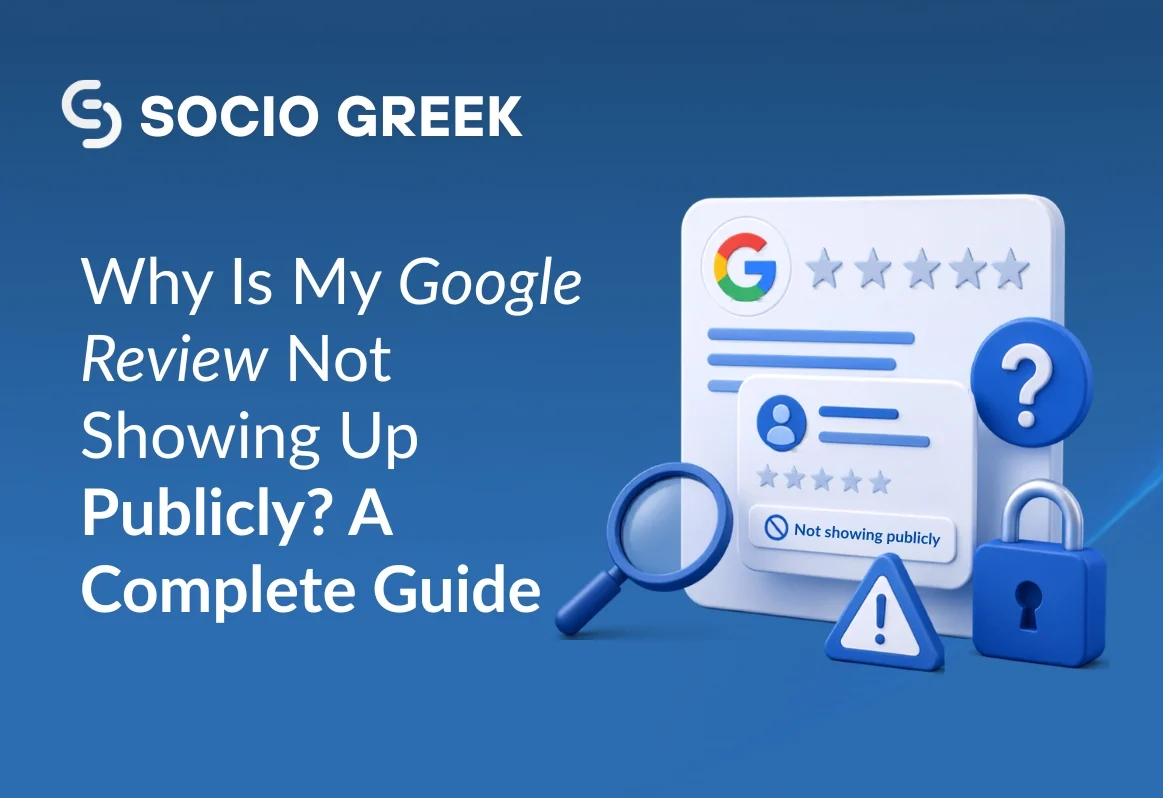
When a customer leaves a Google review for your business, it’s natural to expect it to appear instantly. After all, reviews play a major role in brand reputation, online visibility, and customer trust. But what happens when a review simply doesn’t show up? This issue is more common than you think. Business owners across industries experience missing Google reviews due to Google’s strict moderation policies.
If you’re facing this issue and want to understand the real reasons behind disappearing or hidden reviews, this blog will help you understand everything clearly. At Socio Greek, as a Digital Marketing Agency offering Review Management Services to help businesses maintain a healthy online reputation, and also solve cases where reviews don’t appear.
Why Your Google Review Is Not Showing Up?
Google uses automated filtering systems to detect spam, fraudulent activities, or policy violations. As a result, sometimes legitimate reviews also get filtered out. Below are the most common reasons:
1. The Review Violates Google Content Policies
Google has strict guidelines to ensure reviews are real and helpful. If a review contains hate speech, restricted content, or promotional text, Google may remove it immediately.
Common violations include:
- Reviews containing abusive or offensive language
- Promotional content or external links
- Reviews written as part of a paid promotion
- Irrelevant or repetitive text
If the review doesn’t follow Google policies, it simply won’t appear publicly.
2. The Reviewer Account Looks Suspicious
Google prefers genuine user activity. If the reviewer account appears inactive or fake, Google may hide the review to maintain authenticity.
This can happen when:
- The account is newly created
- The profile has no previous reviews
- The account shows unusual or bot-like activity
- Multiple reviews were posted within a short time frame
- Google’s algorithm may flag these as fake, even if the review is real.
3. The Review Was Posted From the Business Location (IP Conflict)
Google can detect when a review is submitted from the same location or IP address as the business. This is a red flag, as it suggests the business might be encouraging on-site reviews or posting them internally.
This often happens when:
- Businesses ask customers to leave reviews before leaving the place
- Reviews are posted from the store’s Wi-Fi network
- To avoid this, always advise customers to share their feedback once they are off-site.
4. The Review Is Pending Google’s Spam Filter Check
Sometimes reviews don’t show up immediately because Google is still examining them. The platform uses automated moderation tools to analyze the content before making it public.
This delay can last:
- A few hours
- Up to 72 hours
- Or in rare cases, longer
If the review isn’t violating any guidelines, it usually appears after the analysis is complete.
5. The Reviewer Deleted or Edited the Review
If a customer edits their review, Google may temporarily hide it while the updated content is scanned. Similarly, if the reviewer deletes it, the business will no longer see the review.
- This often happens when:
- The customer changes their opinion
- They revise their rating or add new details
- They accidentally remove the feedback
- Before assuming the review disappeared, confirm with the reviewer.
6. Google Removed Reviews After a Profile or Listing Update
If you recently:
- Changed your business address
- Updated your name
- Switched categories
- Merged duplicate listings
Some older reviews may disappear temporarily. This usually happens because Google needs to verify that past reviews still match the updated business information.
7. Reviews from Employees or Family Members
Google prohibits reviews posted by:
- Employees of the business
- Former employees
- Friends or family members who may have a conflict of interest
If Google detects such connections, the review will not appear publicly.
How to Fix the Issue: Steps to Restore Missing Google Reviews?
While you can’t force Google to publish a review, you can take steps to ensure your business complies with its guidelines and increases the chances of reviews appearing.
1. Review Google’s Content & Review Policies
Ensure your reviews follow Google’s official guidelines. Share these rules with your customers to prevent accidental violations.
2. Ask Customers to Post Reviews from Their Own Devices
Encourage customers to:
- Use their own mobile data or home Wi-Fi
- Post reviews later, not inside your business
This prevents IP conflicts and suspicious activity flags.
3. Avoid Offering Incentives for Reviews
Never offer money, discounts, or freebies in exchange for reviews. Google’s algorithm detects incentivized reviews and removes them.
4. Check If Your Google Business Profile Is Verified
Unverified or incomplete profiles often face review delays. Make sure your:
- Business name is consistent
- The address is accurate
- Contact information is updated
A complete profile boosts trust.
5. Request the Reviewer to Edit and Repost the Review
If the review violates policies (like using banned words), kindly ask the customer to:
- Edit the content
- Remove promotional text
- Avoid using offensive language
Once corrected, the review may appear.
6. Contact Google Support (As a Last Resort)
If you believe the hidden review is genuine, you can report the issue via:
- Google Business Profile Help Center
- Community forums
- Google’s support team
While they may not always restore it, they sometimes review special cases.
Why Professional Review Management Matters?
Managing reviews is not only about collecting them; it’s about ensuring they agree with Google’s guidelines, respond without delay, and build long-term trust. This is where Socio Greek, a full-service Digital Marketing Agency, helps businesses clarify their online reputation through a review management service. A strong review strategy is essential for local SEO, customer trust, and brand authority.
Conclusion
If your Google review is not showing up publicly, don’t panic. It’s usually the result of Google’s strict filtering system, designed to maintain trust and accuracy on the platform. By understanding the potential causes and taking the right steps, you can ensure that more customer reviews appear and contribute to your online reputation.
For expert help in building and managing your online presence, consider partnering with Socio Greek, a trusted digital marketing agency specializing in review management, local SEO, and brand reputation.